
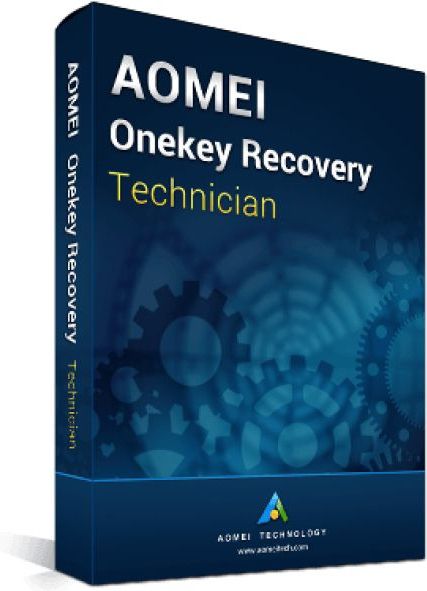

AOMEI Onekey Recovery Technician with lifetime upgrades One license code can be used to register unlimited PCs. Current version with lifetime upgrades It includes all the features of the Professional Edition and is ideal for enterprise users. It can be installed on an unlimited number of Windows PCs and servers within an organization and provides paid technical support to customers. AOMEI OneKey Recovery is software that provides backup and recovery system. You can use it to create a factory partition and save your system, or you can back up your system to an external hard drive to save local storage space. Two types of licenses are available as a backup system for personal and commercial use. AOMEI One-Click Recovery Professional protects your computer easily. If you want to manage multiple computers, you can purchase One-Click Recovery Home Edition. After the system has been successfully backed up, the F11 or A shortcut will be generated. You can set one of them as a shortcut to access the one-click recovery environment when you start your computer. For computers with EFI/UEFI boot, you can access the program from the Windows Start menu to restore the system. Of course, AOMEI One Click allows you to configure how the Start menu is displayed via Options. The main features of AOMEI OneKey Recovery Technician System backup Select an existing partition to allocate the required amount of free space and create a recovery partition to store system backup images. To prevent backup image corruption, the recovery partition is hidden by default. System recovery You can reset your computer to factory settings or a previously backed up state. This is the best way to get back to normal in the event of a disaster. Supports restoring the system to the original location or other locations. Restore system quickly After backing up the system, you can press a specific keyboard key (default F11 or A) when the computer enters Windows PE environment, and then run AOMEI OneKey Recovery automatically. Advanced settings AOMEI OneClick Recovery provides encryption and compression features during the backup process. This allows you to save storage space and protect your data from hackers. Supports Windows 11, Windows 10, Windows 8.1/8, Windows 7, Windows Vista, Windows XP and Windows Server. Included in delivery by E-Mail: Product Key Download in 32/64 Bit
Uw winkelwagen
Alle bestellingen worden gebruikt
USD.
De inhoud van uw winkelwagen wordt momenteel weergegeven
CYN,
U zult het gebruiken
USD
berekend tegen de laatste wisselkoers.
uitputting van voorraad
Sommige producten zijn niet meer te koop. Uw winkelwagen is bijgewerkt.
Is er een kortingscode?

Tip

Vrachtverzekering
Subtotale
Korting
Deze kortingscode kan niet worden gebruikt met andere promoties of kortingen.
Totale
Belastingen en verzendkosten worden berekend bij het afrekenen
Commentaar